Create structured sessions in Endurly, export them as FIT workouts, and follow them directly on your Garmin device.
Build your workout, download the FIT file, transfer it to your Garmin workflow, sync your watch, and train with guidance instead of guesswork.
Endurly is built for athletes who want more than a static training plan. You can create structured sessions for swimming, running, and cycling, export them in FIT format, and use them on compatible devices during real training. Instead of memorizing intervals or checking a paper plan, you follow the workout step by step on your watch.
Training directly from your watch makes structured sessions easier to follow and easier to complete correctly. Your workout stays with you during the session. You do not need to remember every interval, rest period, or pace change. The watch guides you through the structure so you can focus on execution.
Follow each step of the workout directly from your device, including work intervals, recovery periods, and session flow.
No screenshots, no handwritten notes, no trying to remember the next set while you are already training.
Use guided sessions that reflect your actual plan, not random laps, random kilometers, or improvised intervals.
Endurly allows you to export structured sessions in FIT format so they can be used on compatible sports watches and devices. FIT is a workout file format commonly used for guided training on Garmin devices. It is designed to carry structured workout steps, making it ideal for interval-based endurance training.
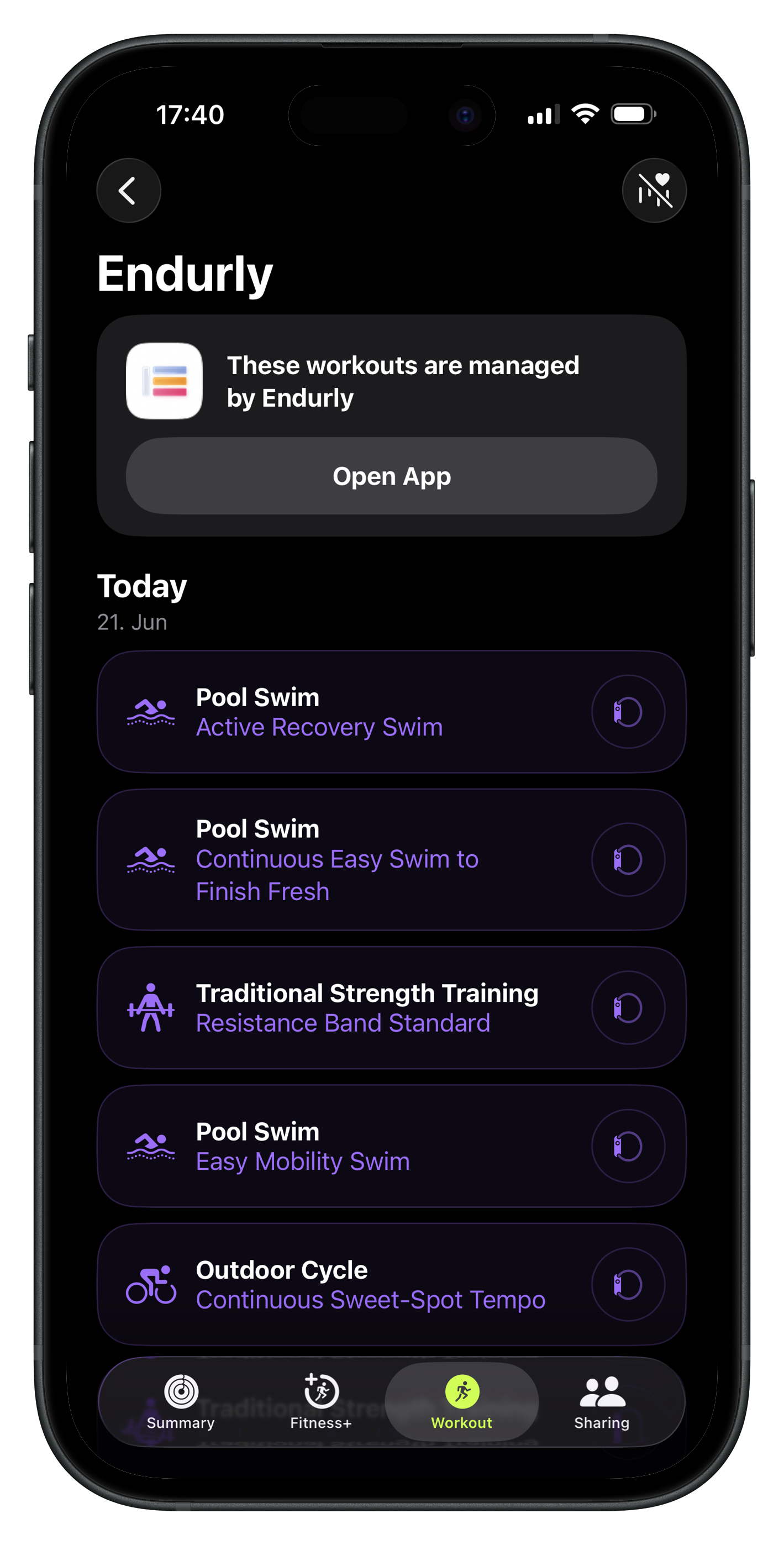
When you build a session in Endurly, the structure of your workout can be converted into a FIT workout file. That means your session is no longer just a plan on screen. It becomes a guided workout you can load onto your device and use during training.
Exporting a session from Endurly is simple:
Choose the workout you want to complete, whether it is a swim session, a run workout, or a cycling session.
Make sure the session includes the intervals, durations, distances, or recovery blocks you want to follow on your device.
Use the export option in Endurly and choose the FIT format. Endurly will generate a structured workout file based on your session.
Download the FIT workout file to your phone or computer so it is ready to be transferred to your device.
Once your session has been exported from Endurly as a FIT workout, the next step is to upload it to your Garmin ecosystem so it can be used on your watch or bike computer. The exact workflow can vary depending on your setup, but the general process is straightforward.
Generate the session in Endurly and download the FIT workout file to your device.
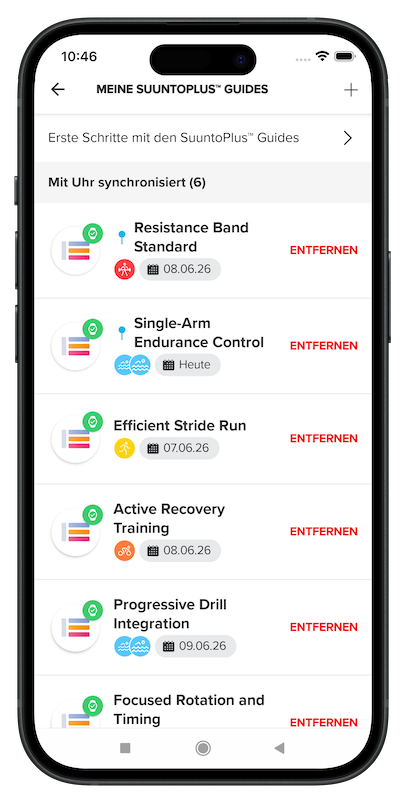
Use the Garmin tools or sync workflow you normally use for transferring workouts to your watch.
Upload the FIT file so the workout becomes available in your Garmin training environment.
Make sure your Garmin watch is synced so the newly added workout is transferred to the device.
Open the workout on your Garmin device and follow the guided steps during training.
The exact upload flow may depend on your Garmin device model and your sync setup. Endurly provides the structured FIT workout file. From there, you use your Garmin workflow to import and sync the workout to your watch.
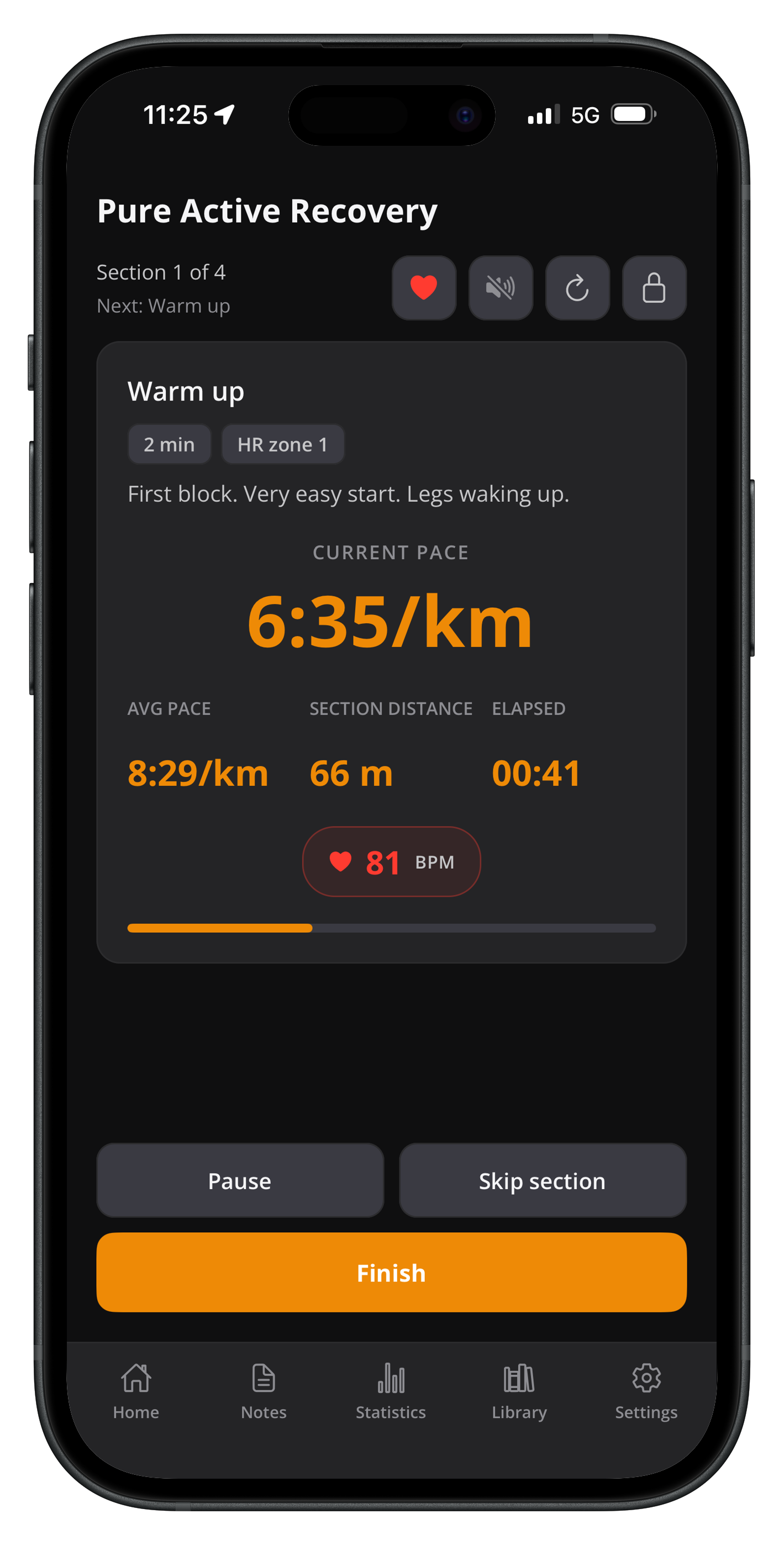
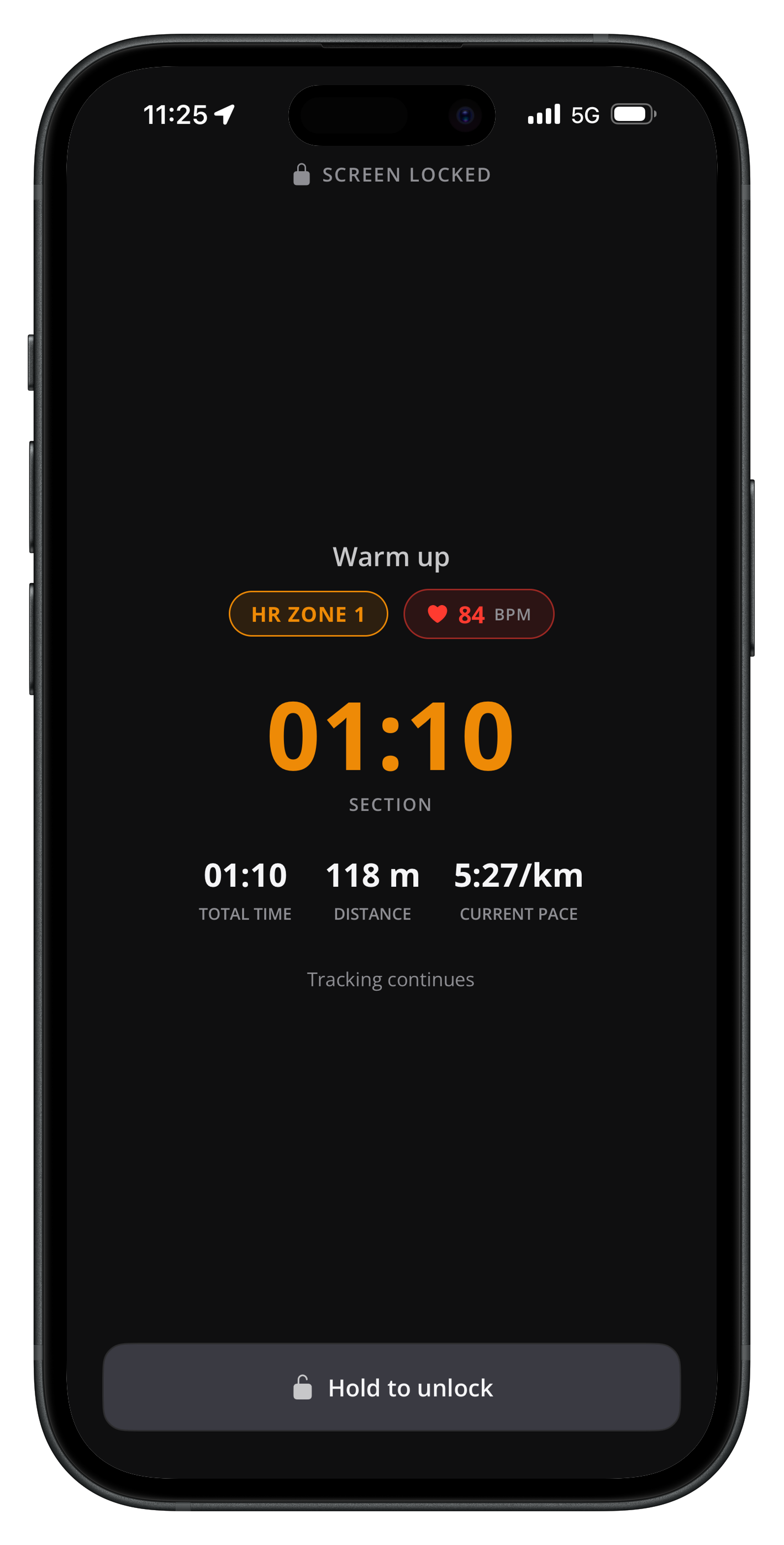
Once the workout is loaded onto your device, your watch becomes the guide for the session. Instead of constantly checking your phone or remembering the next interval, you follow the workout step by step. This is especially useful for structured endurance sessions where pacing, recovery, and sequence matter.
Follow pool sessions with a clearer structure and less mental overhead. Move through warm-up, drills, main sets, and recovery with the workout already prepared.
Use guided intervals, target session flow, and structured progression without improvising the workout on the fly.
Bring structured training to your rides and follow the planned effort blocks more consistently.
Endurly is designed for structured endurance training across multiple sports, with a workflow that supports planning first and execution second.
Create structured swim sessions with warm-up blocks, drills, main sets, and recovery segments, then export the workout for guided use.
Build running workouts with clearly defined interval structures and progression logic, then bring the session to your watch.
Plan cycling sessions with structured effort blocks and follow them more consistently during training.
Many athletes train with good intentions but without a clear structure in the moment. They arrive at the pool, the track, or the road ride with a rough idea and improvise the rest. Endurly changes that. You build the session before training, export it in FIT format, load it onto your watch, and execute what you planned. That reduces friction and improves consistency.
Create structured sessions in Endurly, export them as FIT workouts, and bring your training plan to your watch.
Structured training for swimming, running, and cycling.
A FIT workout file is a structured training file format commonly used by Garmin devices for guided workouts. It can contain the steps of a workout, such as intervals, recovery periods, and session structure.
Yes. Endurly can export structured sessions as FIT workout files so they can be transferred into a compatible Garmin workflow and used during training.
First, export the workout from Endurly as a FIT file. Then use your Garmin workflow to import the file, sync your watch, and open the workout on the device. The exact process can vary depending on your Garmin model and setup.
Endurly is designed for swimming, running, and cycling, with structured session building and export workflows for endurance athletes.
Training from your watch reduces friction and helps you follow the session as planned. Instead of memorizing intervals or checking notes, you can focus on the workout itself.